
You can upgrade to a premium plan on our website only (not in the mobile app). To upgrade, follow these steps:
1. Navigate to the type of plan you woud like:
Upgrade to a Nonprofit & Community Premium Plan
Upgrade to a Programs & Groups Premium Plan
Upgrade to a K-12 School Premium Plan
Upgrade to a Teams & Business Premium Plan
Upgrade to a Professionals & Consultants Premium Plan
Please Note: PhotoCircle+ is NOT a premium plan.
2. Click on Choose Plan or Start Free Trial (K-12 Plans only).
3. In the pricing table, click on Get Started (or Start Free Trial for K-12 plans).
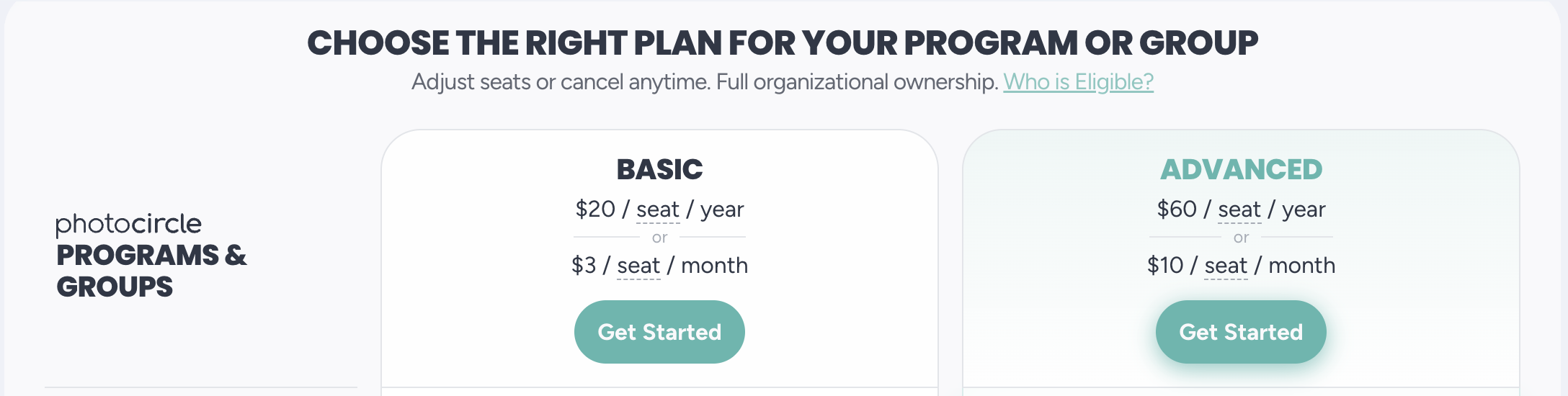
4. Complete the checkout process. Note: If you subscribe using the same email address as your exisiting account, all of your Circles will be automatically migrated to your new Workspace once your subscription is activated. If you wish to use a different email address or have personal Circles you do not want migrated, contact support@photocircleapp.com for assistance.
5. Look for an activation email (subject line ACTION REQUIRED: PhotoCircle Workspace Activation). Click on the Activate button to activate your subscription.
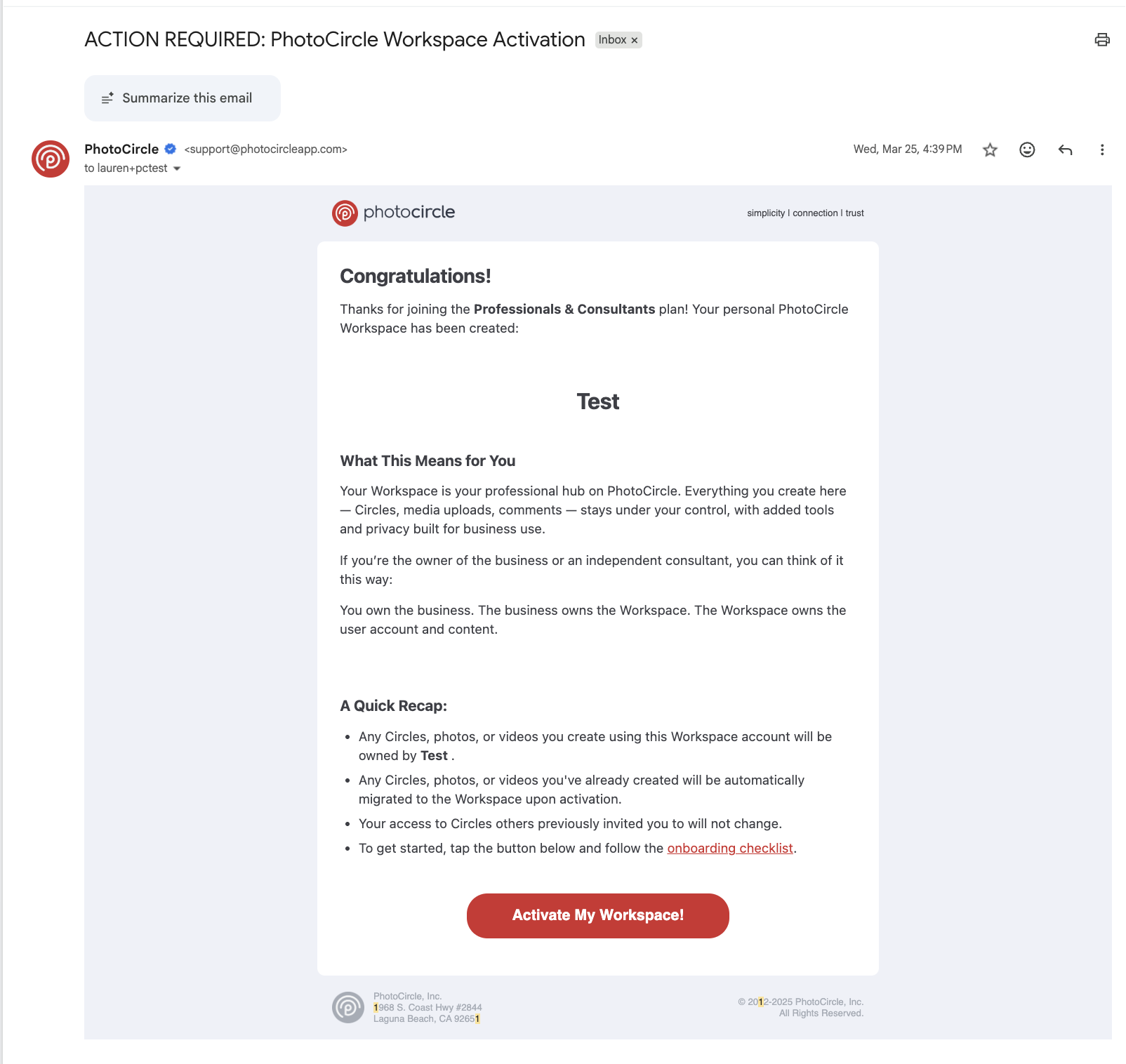
6. Once you've activated your subscription, setup of key features is completed on laptop/desktop via the Admin Console (photocircle.app/admin). Onboarding resources, including checklists for each subscription type, are available at docs.photocircleapp.com.
Important: PhotoCircle+ subscriptions are managed 100% by Google and Apple, and the PhotoCircle team cannot cancel these subscriptions on your behalf. If you are already a PhotoCircle+ subscriber, make sure to cancel in the App Store or Google Play upon upgrading to a premium plan to avoid duplicate charges.