
You can Favorite a Circle to keep it in a Favorites section at the top of the app home screen.
To favorite a Circle:
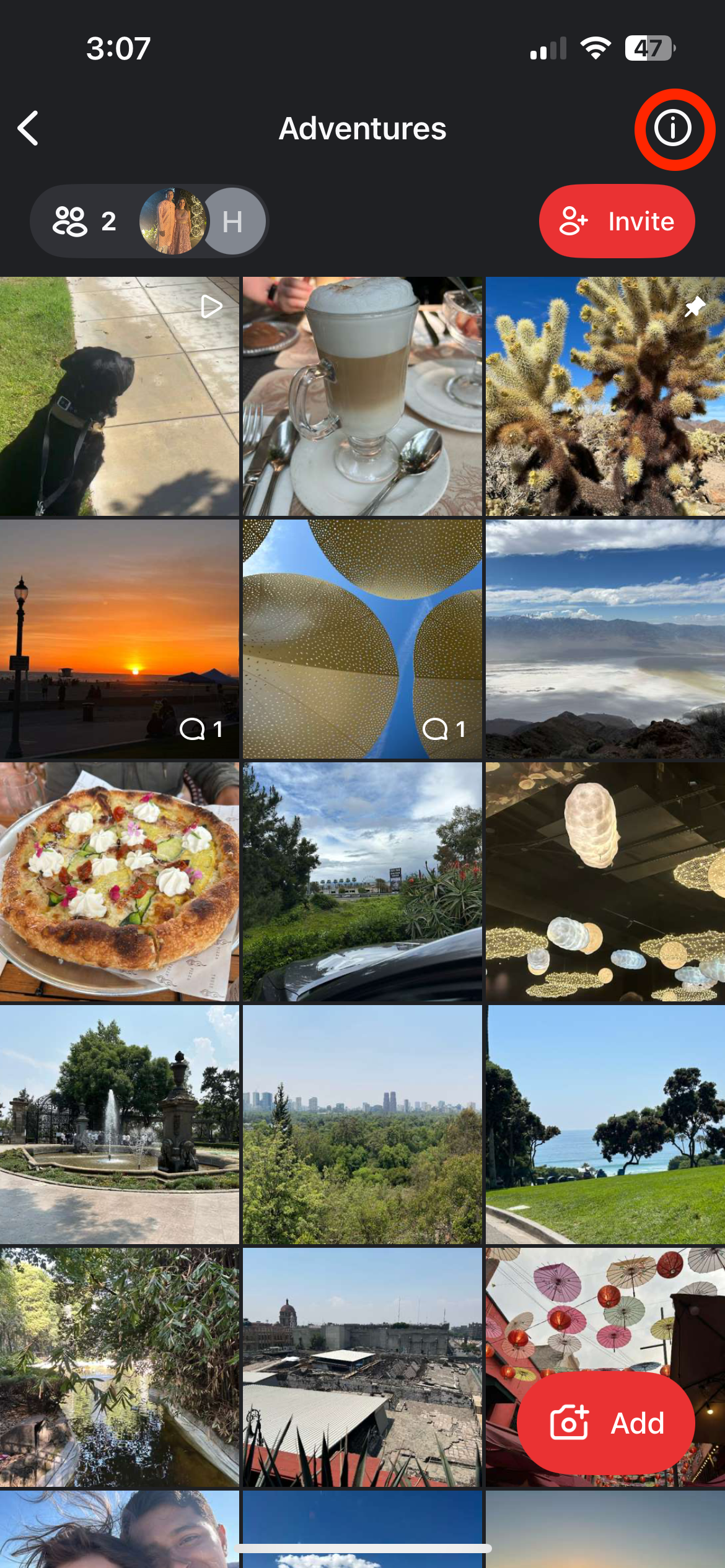
- Tap on the Circle to open it.
- Tap on the ⓘ to open the Circle details screen.
- Tap Add to Favorites.

If you return to the app home screen, your Circle will now appear in a new collapsible section at the top called Favorites.

To unfavorite a Circle, follow the same steps, tapping Remove from Favorites.
