This website uses only the necessary cookies required for the site's proper functioning. By using the website, you consent to all cookies in accordance with the cookie policy. To know more, refer Cookie Policy.
I am planning to use PhotoCircle for a party or event. How can I generate a QR Code to include on invitations, etc.?
Last Updated: 15d
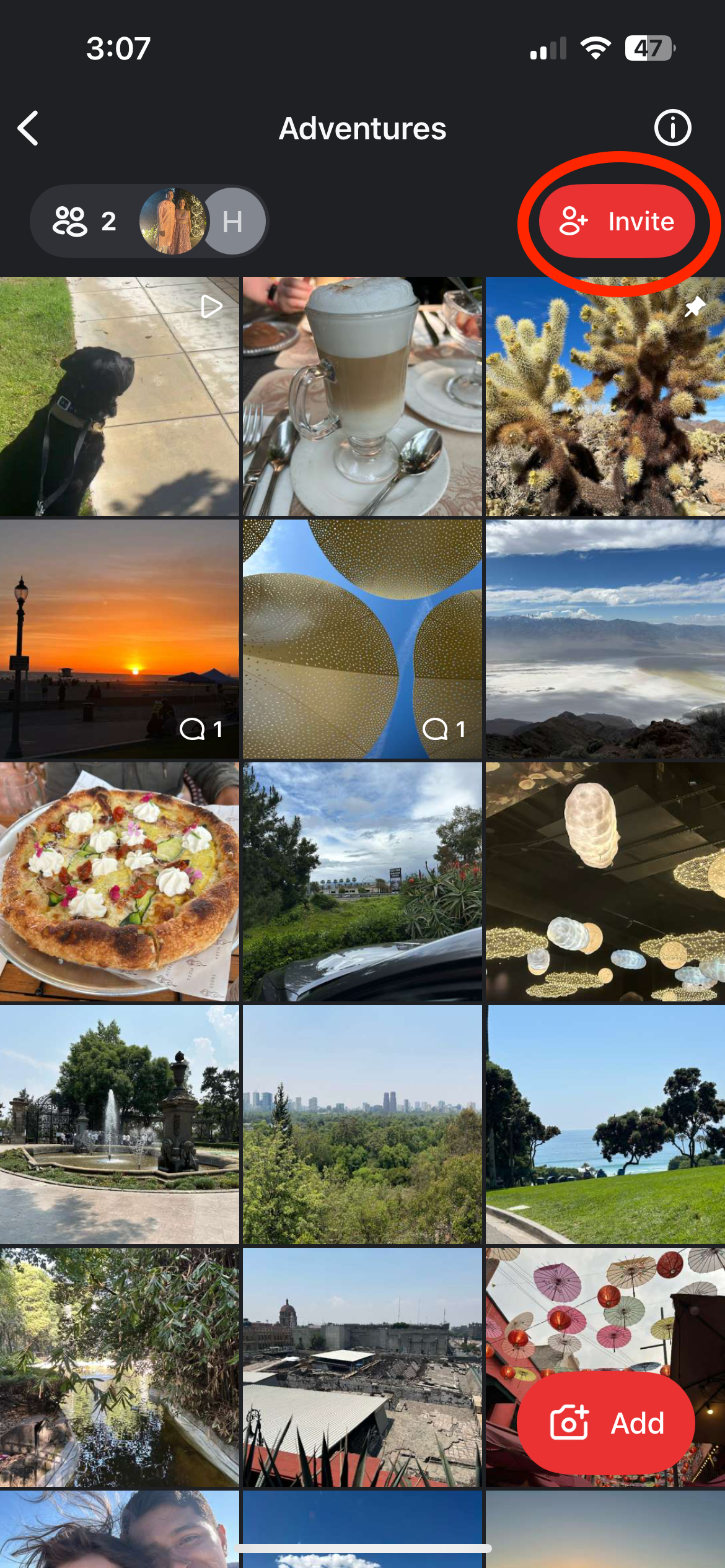
Open the Circle you plan to use for your event, and tap the Invite button in the upper right-hand corner.
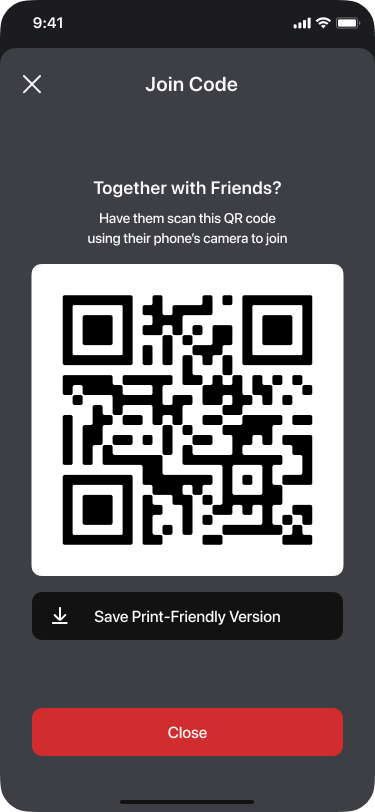
Tap Together? Wedding? Party? to create a QR Code to scan. To print the QR Code to include in invitations, programs, etc. for an event, tap Save Print-Friendly Version.