
By default, the Cover Photo of the Circle is the photo that was most recently uploaded to the Circle.
If you are a Moderator or the Creator of the Circle, you can pin a photo as the Cover Photo.
To Change the Circle's Cover Photo
- Tap on the photo you would like to set as the Circle's Cover Photo.
- Tap on the three dots menu in the upper right corner, and tap Set Cover Photo.

To revert to the default Cover Photo
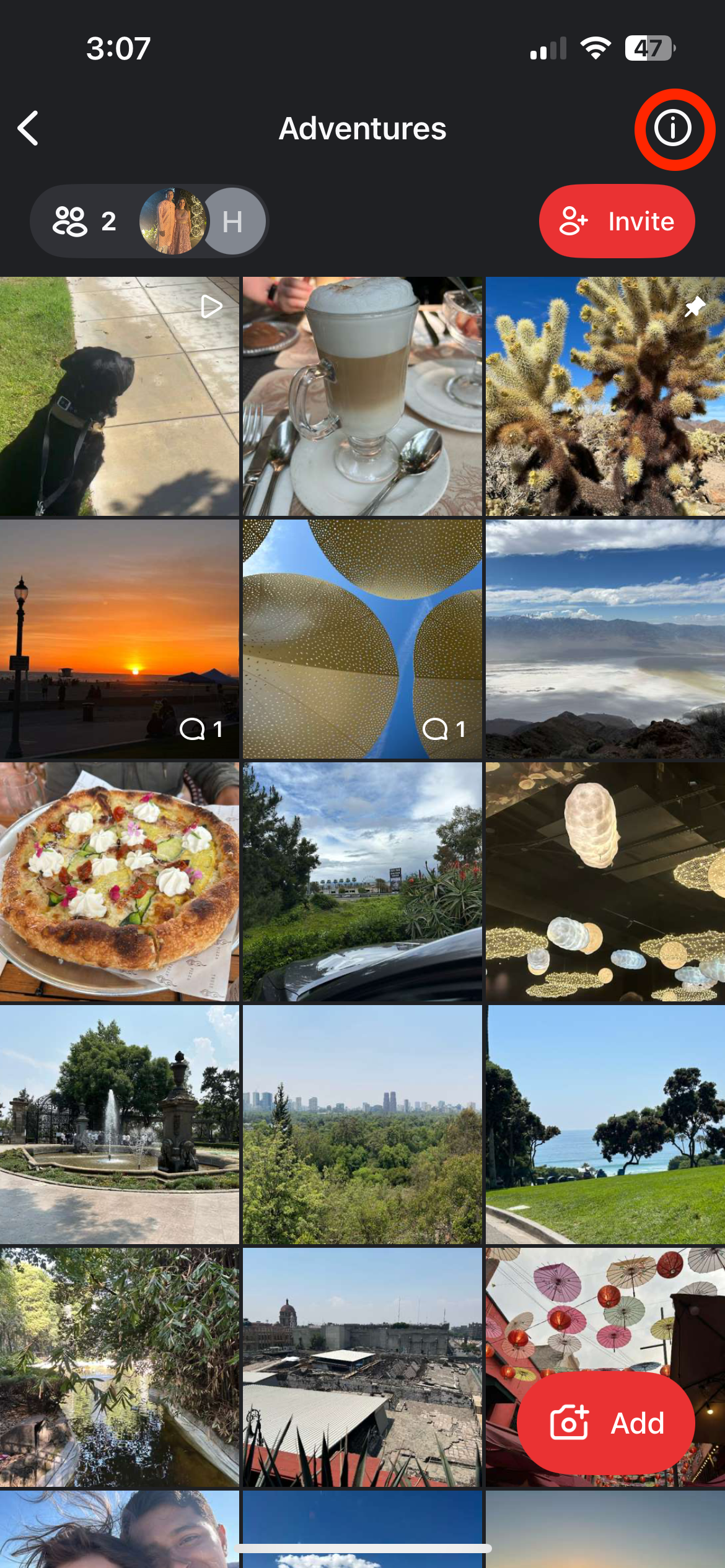
- Tap on the Circle to open it, and then tap on the ⓘ icon in the upper right corner.
- Tap on Reset Cover Photo. The Cover Photo will now be the photo most recently uploaded to the Circle.
