
You must be the Creator or Moderator of a Circle to delete it. Otherwise, refer to this FAQ to leave a Circle.
- Tap the Circle you wish to delete, and then tap the ⓘ icon in the upper right corner.
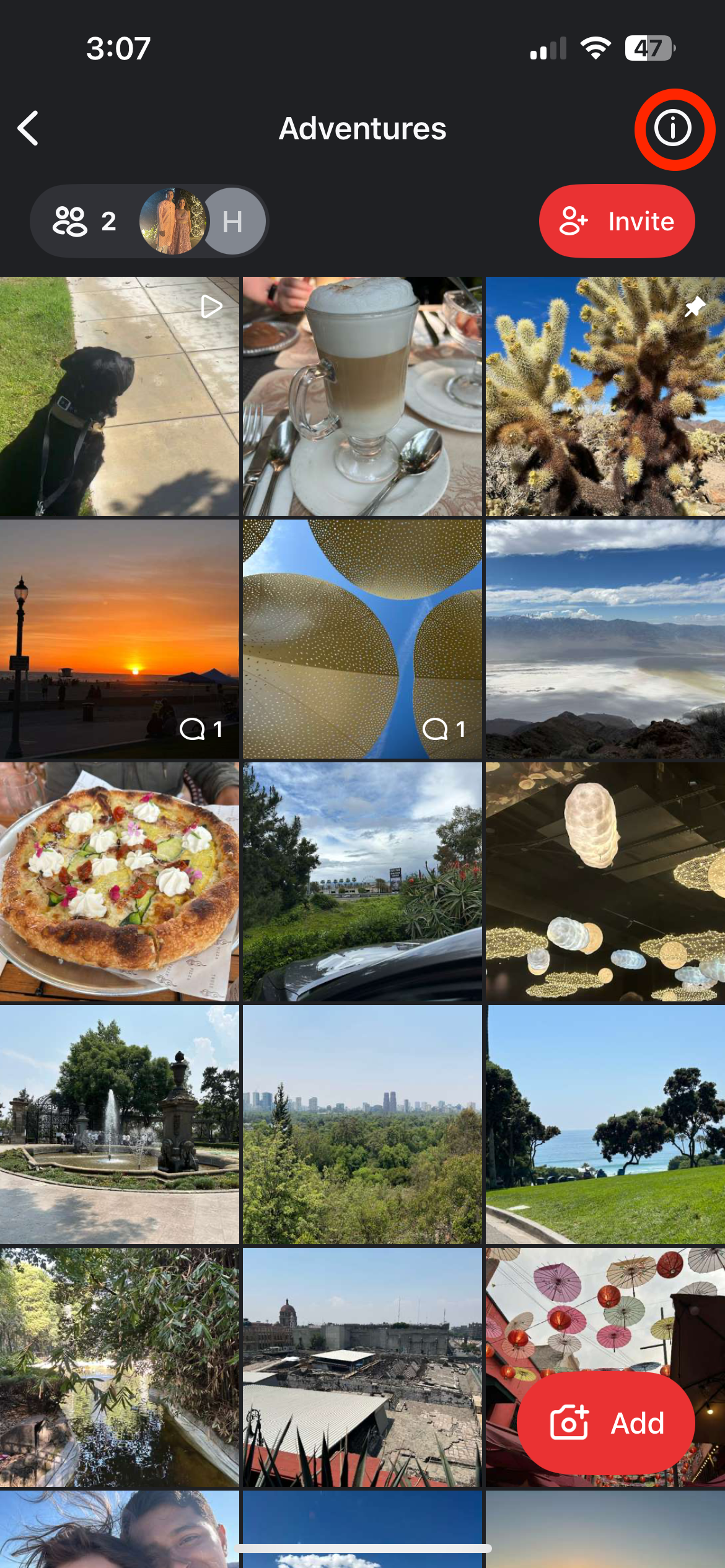
- Tap Delete Circle on the bottom of the screen.

- You will be asked to confirm deletion.

For more information on deletion timelines, please refer to this article.