To clear out all notifications for all Circles
- On the Home screen of your app, tap on the Activity Feed icon in the upper right-hand corner.

- In the top right-hand corner, tap the three dots and then tap Mark All as Seen.

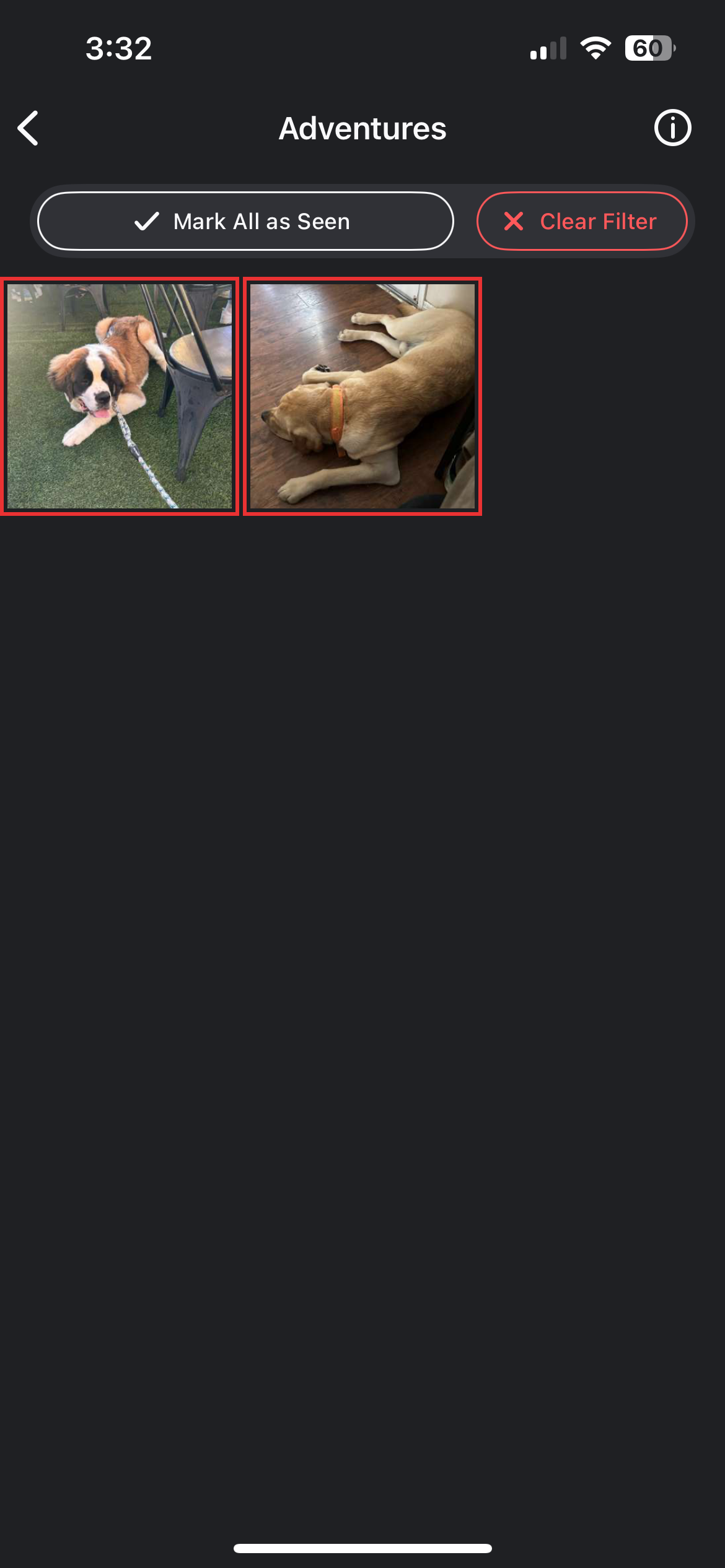
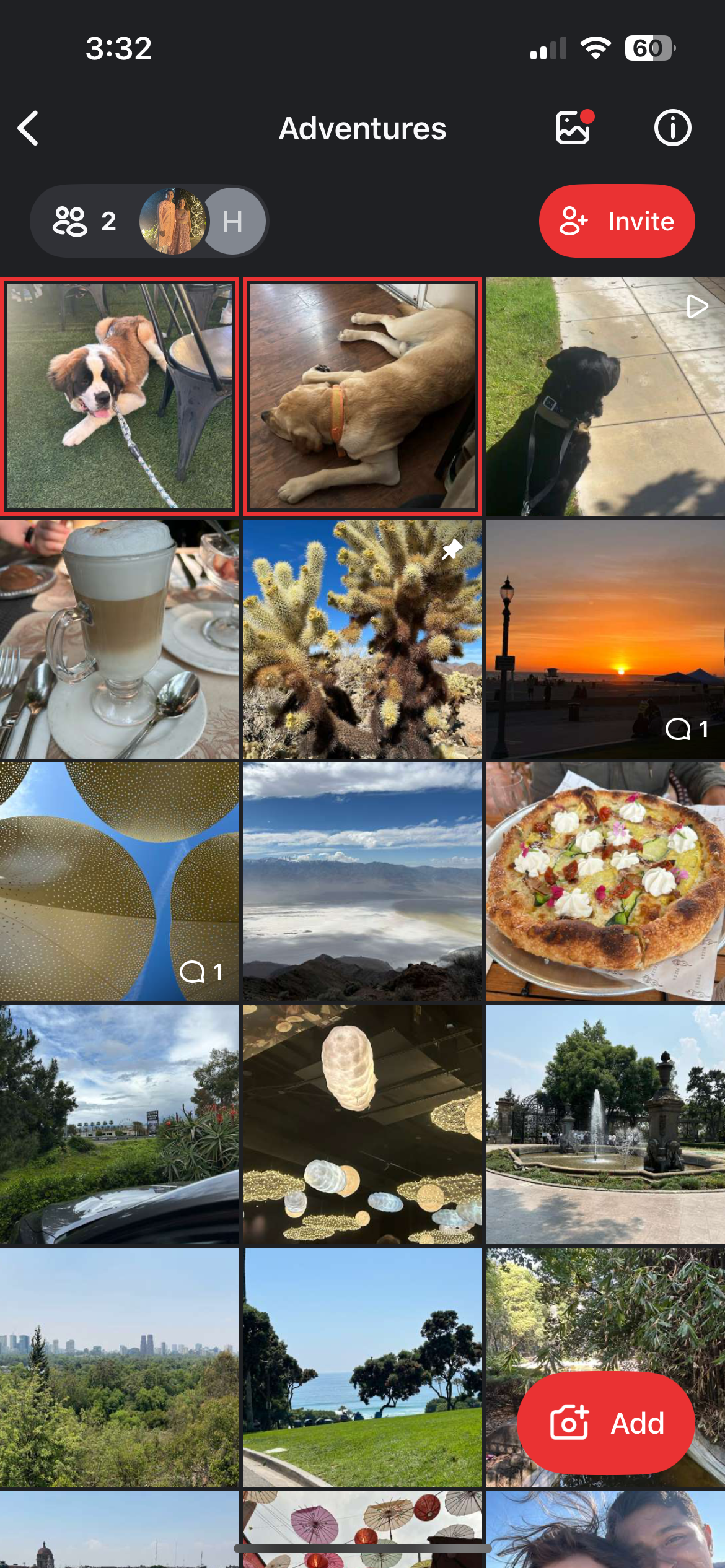
To Clear out Notifications for One Circle
- Tap the alerts filter on the top of the screen.
- Tap Mark All as Seen.