This website uses only the necessary cookies required for the site's proper functioning. By using the website, you consent to all cookies in accordance with the cookie policy. To know more, refer Cookie Policy.
PhotoCircle FAQ
Learn About PhotoCircle Premium Plans
Home
Notifications & Permissions
How can I clear out all of my notifications?
Last Updated: 15d
To clear out all notifications for all Circles
On the Home screen of your app, tap on the
Activity Feed
icon in the upper right-hand corner.
In the top right-hand corner, tap the three dots and then tap
Mark All as Seen
.
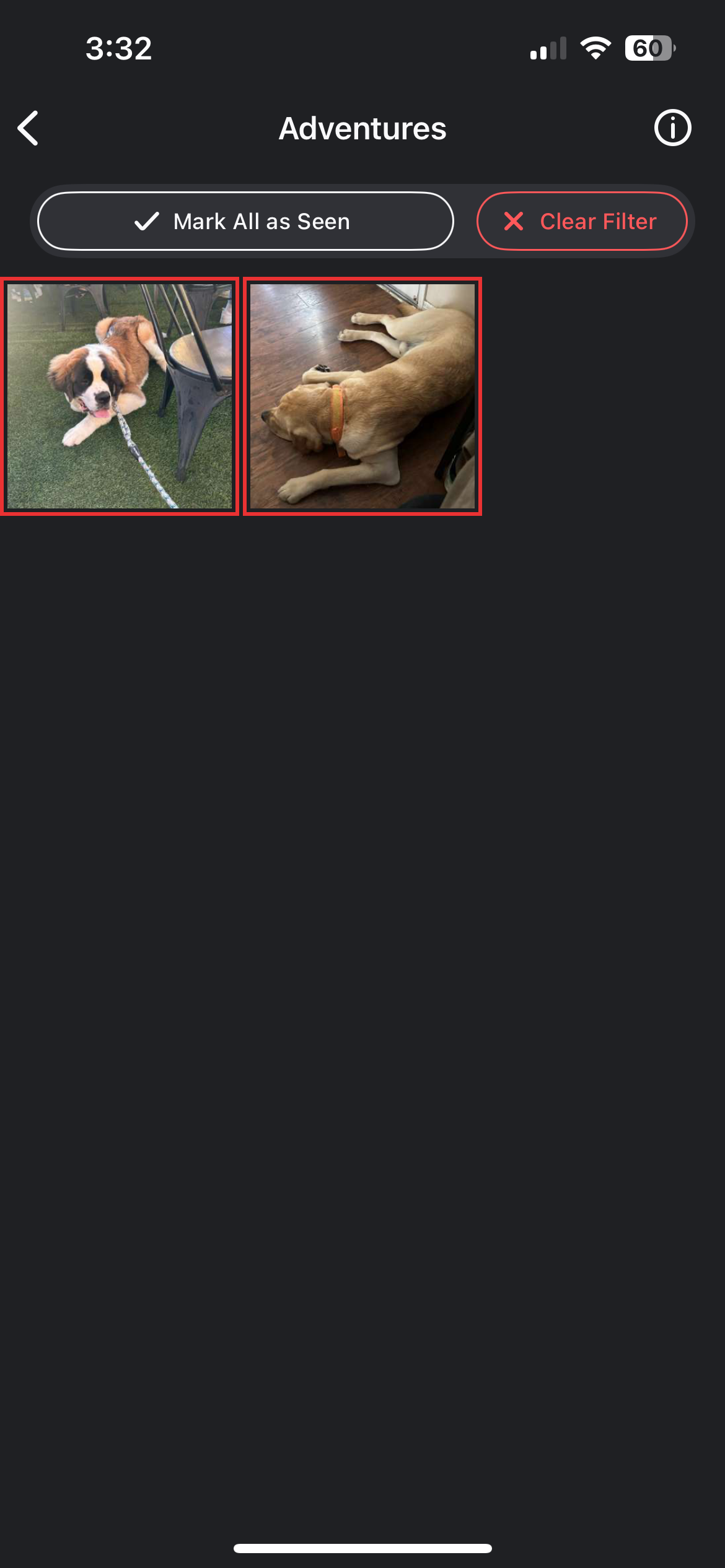
To Clear out Notifications for One Circle
Tap the alerts filter on the top of the screen.
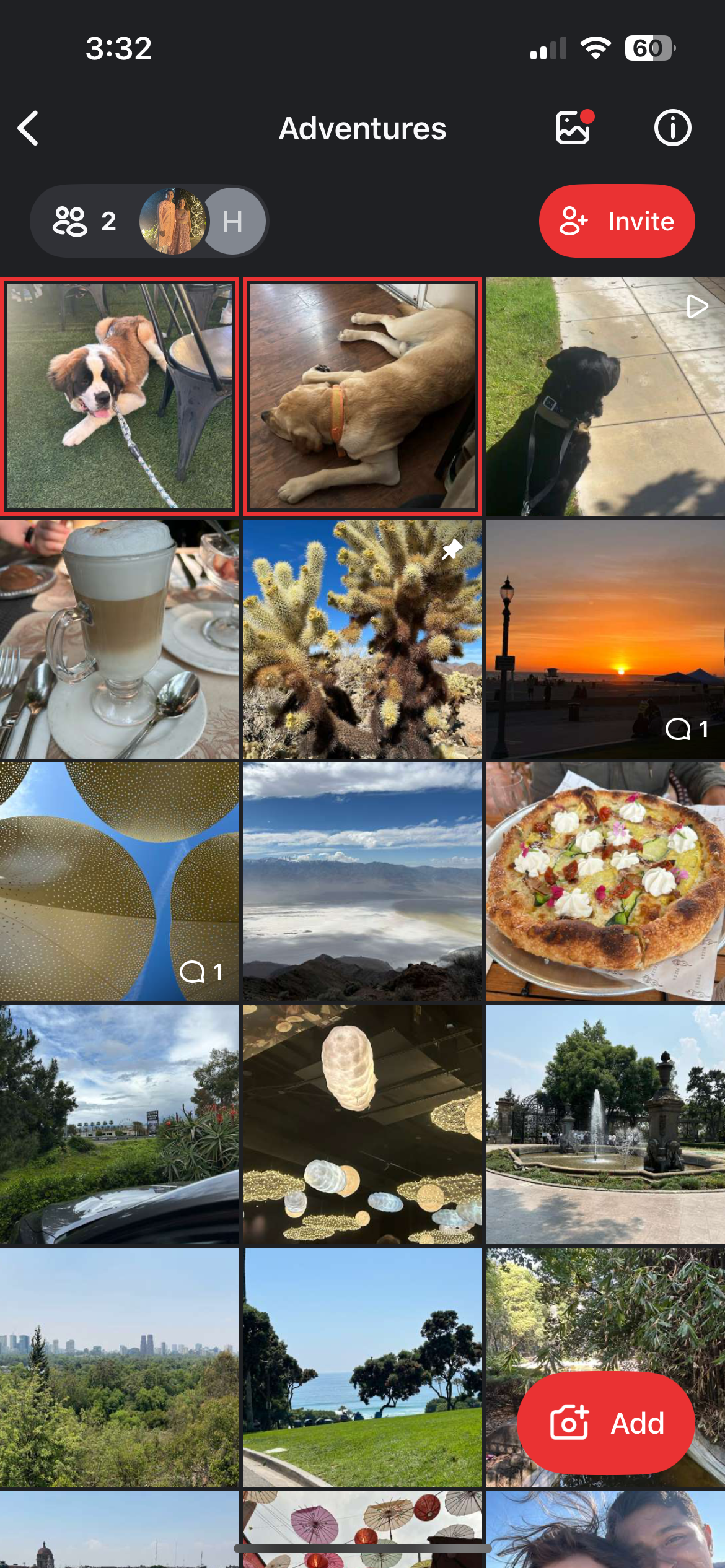
Tap
Mark All as Seen
.
Related articles