
- Open the Circle that currently has the photos you wish to move.
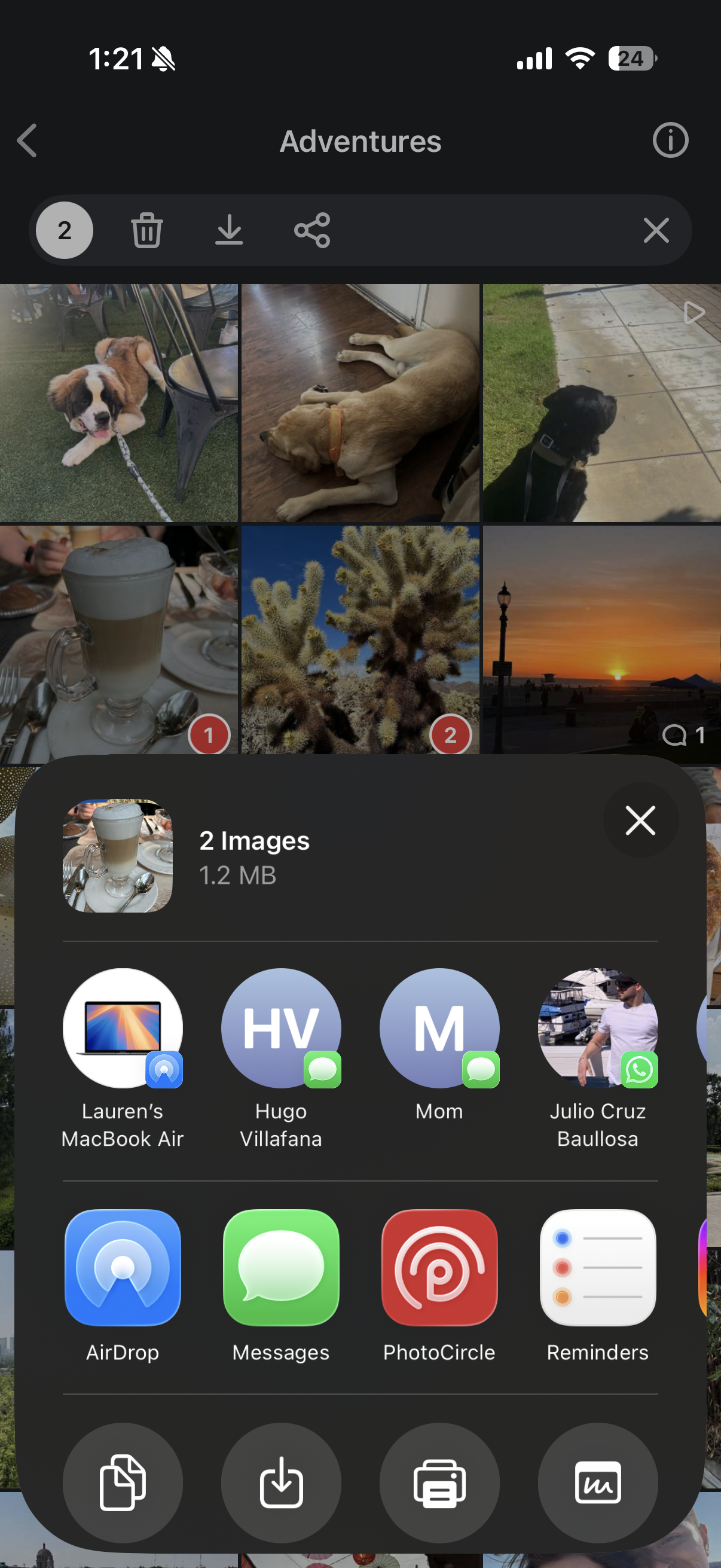
- Long tap anywhere in the grid to multi-select.
- Select all of the photos to be moved by tapping on each one.
- Tap on the share icon along the top of the screen.

- Choose PhotoCircle as the sharing destination.
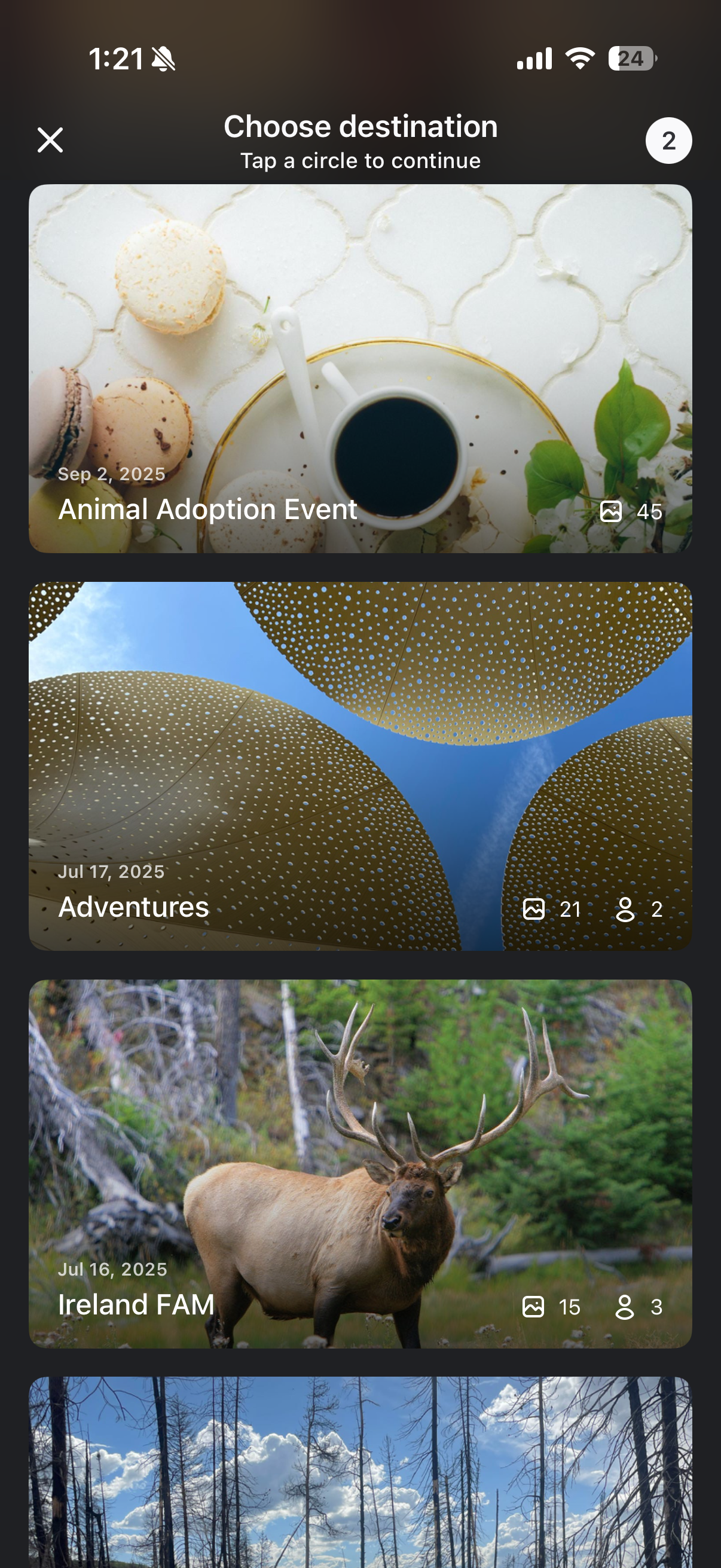
- Tap on the Circle you wish to move them to.
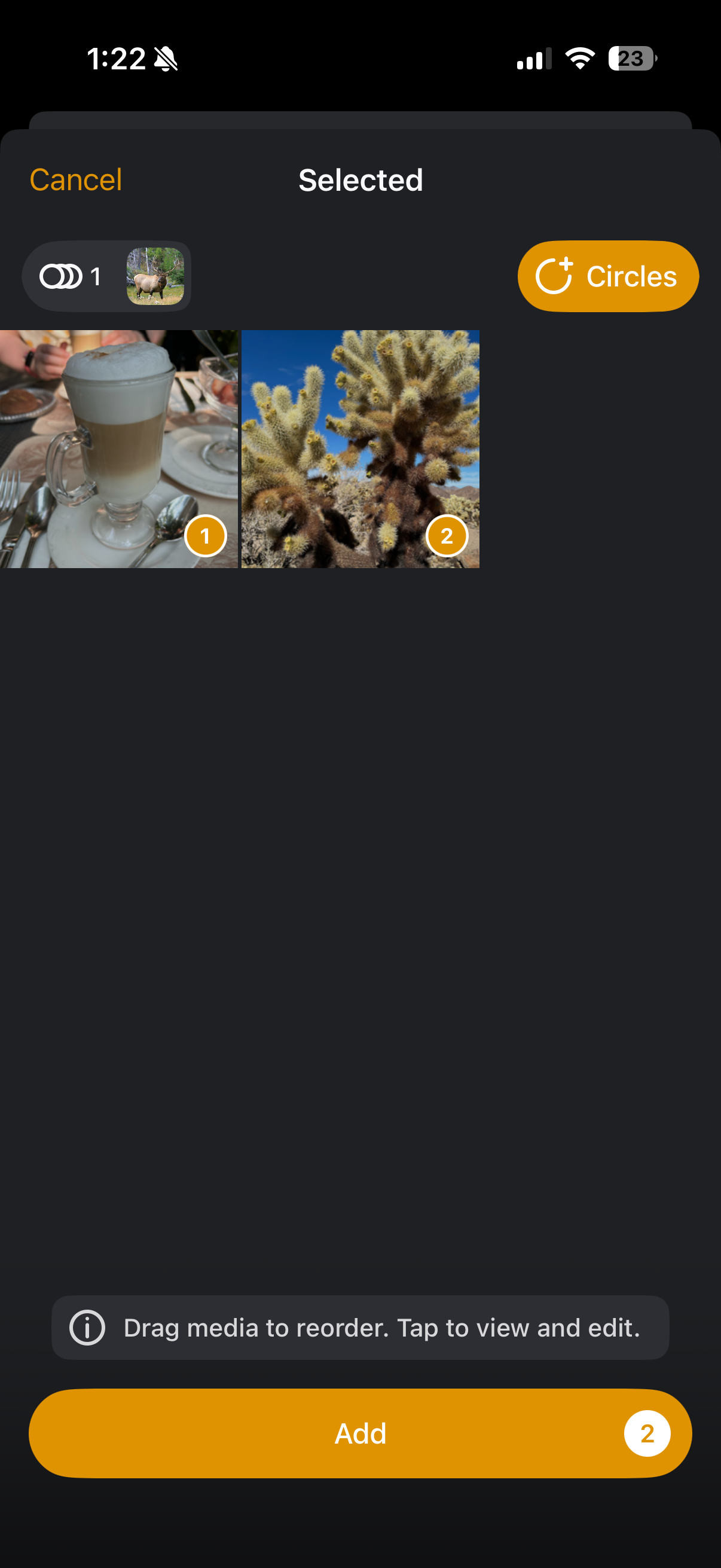
- Tap on Add to upload the media to the new Circle. You can also drag to reorder the photos/videos or select the Circle button in the upper right corner if you wish to copy the media to more Circles.
- Optionally, you can go back to the original Circle and delete the photos. (You can long tap to multi-select and then tap the trash can icon this time.)